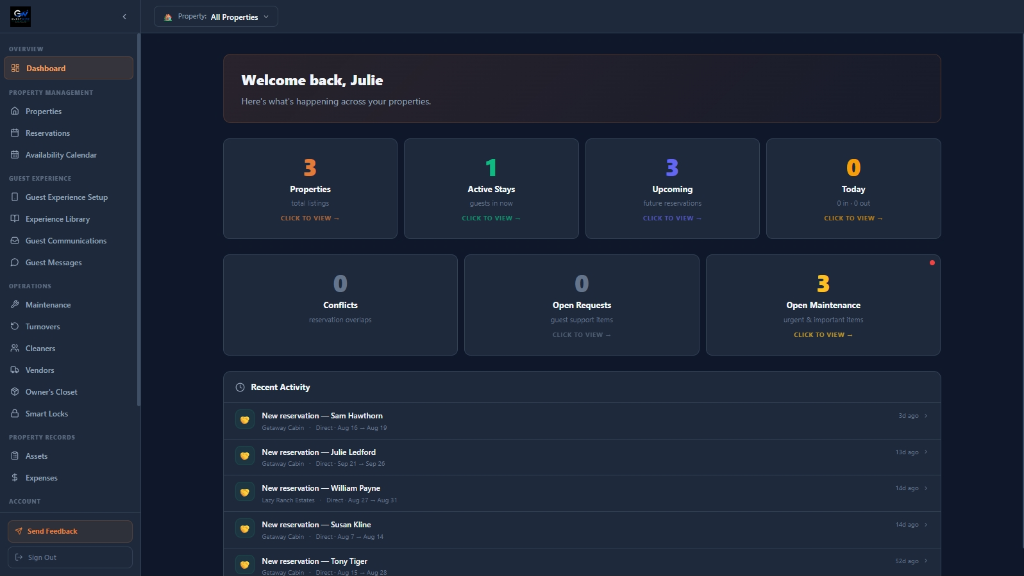
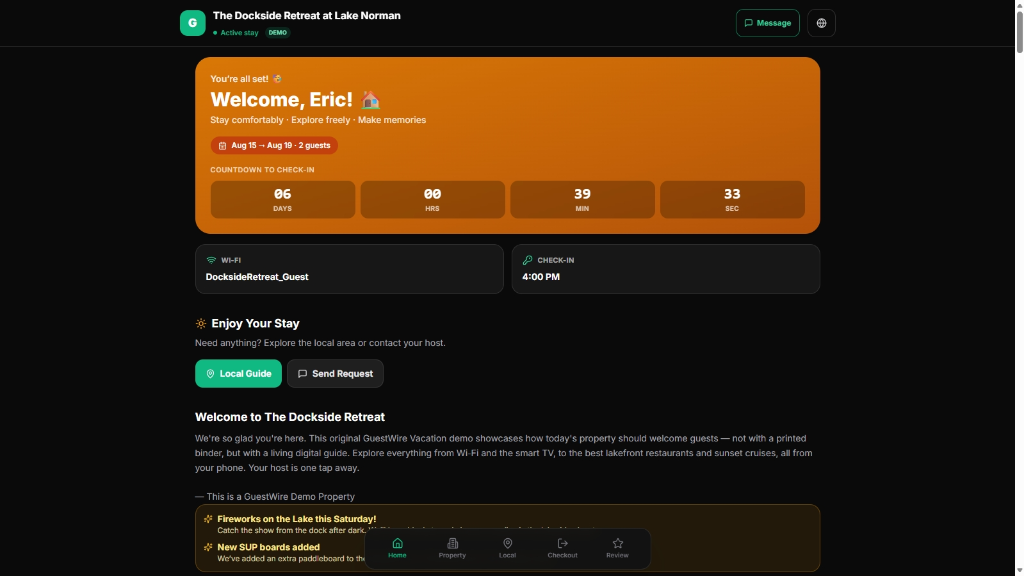
Add property details, operating information, cleaners, vendors, and access settings.
2
Connect reservations and people
Sync supported calendars, create guest portals, and coordinate turnovers and maintenance.
3
Manage from one dashboard
Follow arrivals, departures, guest activity, property status, and operational history.
Who it's for
Built for every kind of vacation-rental operator.
Independent hosts
Run a single vacation home with reservation tracking, a branded guest portal, turnover scheduling, and maintenance records — all in one workspace.
Property details and contacts in one place
Branded guest portal sent with one click
Turnovers and maintenance tracked beside the booking
Multi-property hosts
Apply consistent reservation, turnover, and guest-communication processes across multiple homes, with arrivals and departures visible from one dashboard.
Cross-property calendar visibility
Standardized turnover and guest-portal workflows
Operating notes that travel with each property
Professional property managers
Coordinate cleaners and vendors, standardize workflows, and keep a dependable operational history across each property under management.
Central cleaner and vendor directory
Standardized turnover and maintenance workflows
Operational history that supports accountability
Trust & security
Security and privacy principles.
A concise description of what's in place — no absolute guarantees.
Role-based access
Hosts and admins have different capabilities; most operations are limited to the right people by design.
Secure guest and vendor links
Portal and turnover links use randomized access tokens validated server-side before anything is returned.
Protected property information
Sensitive access details are kept out of companion views and released on the schedule you choose.
Account and activity controls
Manage your contact information, password, and session timeout, and review operational history per property.
Get started
Manage your vacation rental as if you lived next door.
Request access to GuestWire Vacation or explore the live demonstration.